New Holland 540 vs 540E PTO: Which Setting to Use?
New Holland 540 vs 540E PTO: Which Setting to Use?
The PTO selector offers 540 and 540E, but the implement plate only says 540 rpm. Does the E setting turn the implement more slowly? Does it give you more power? And can you leave it selected for every job?
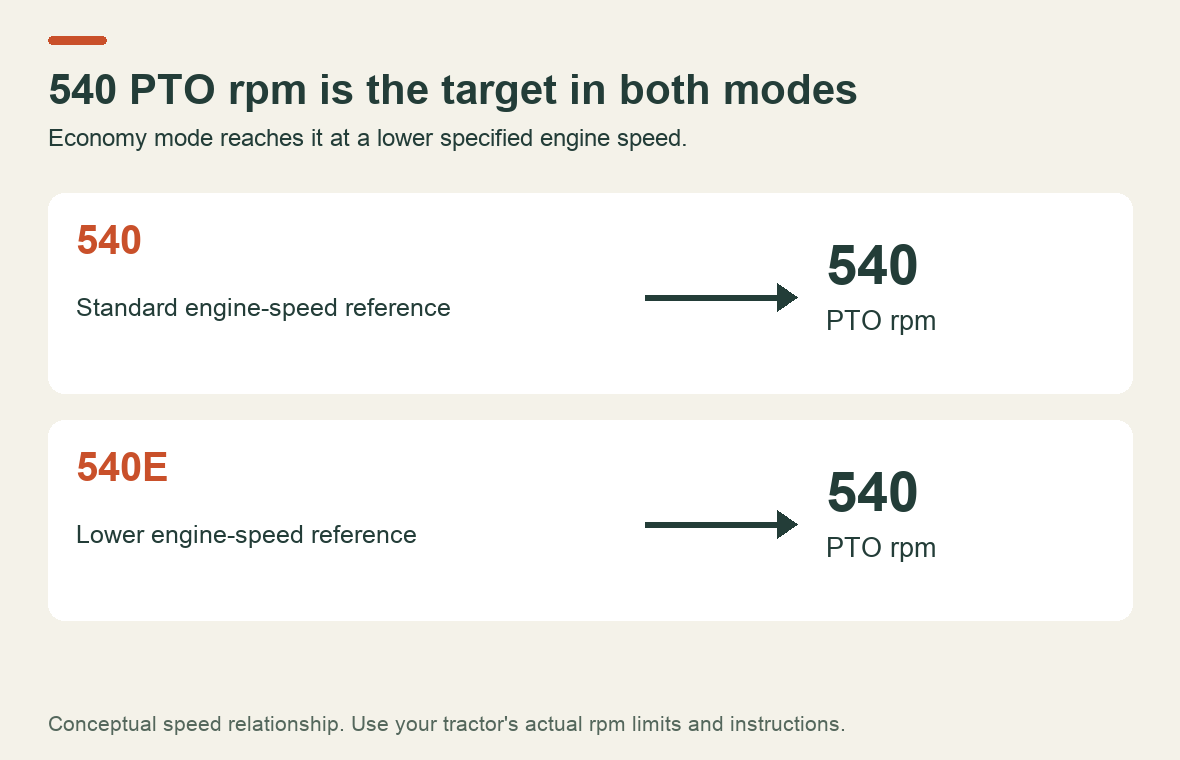
540E is an economy mode intended to provide 540 rpm at the PTO at a lower engine speed. It changes the relationship between engine speed and PTO speed. It is not a request to run a 540-rpm implement at a different output speed, and it is not a substitute for matching the tractor to the implement's power requirement.
Two speeds to keep separate
Engine rpm and PTO rpm describe different shafts. The engine may turn several times for each revolution of the PTO. Selecting economy mode changes the ratio used to reach the required output.
New Holland's TD5 brochure, Economy PTO Speed section gives a concrete example: the listed 540 ECO option reaches its target at 1,535 engine rpm, with reduced fuel consumption and cab noise as the intended benefits. That number belongs to the brochure's TD5 application. It is not a throttle setting for every New Holland tractor.
| Setting | Intended PTO output | What changes |
|---|---|---|
| 540 | 540 rpm | Uses the standard setting and its specified engine speed |
| 540E or 540 ECO | 540 rpm | Reaches that output at a lower specified engine speed |
| 1000 | 1,000 rpm | A different output-speed requirement; the implement must be compatible |
Check the operator's manual and tachometer markings for the configuration actually fitted to your tractor. The mode name alone does not supply the correct engine rpm.
When economy mode makes sense
Economy PTO is worth considering when the implement's demand can be met at the lower engine speed and both equipment manuals permit that use. It is not automatically the best setting just because the engine sounds quieter.
The general distinction is also stated explicitly in John Deere's 540/540E operating guidance: standard mode serves work requiring full engine power, while economy mode is for lighter loads. This is a reference for the operating principle, not a source of New Holland lever positions, rpm limits or procedures.
Think about the hardest part of the job, not just how the implement runs empty. An implement that starts easily may demand substantially more during work. Its manual's PTO-speed and power requirements should be part of the choice before you enter the field.
If the selected setup cannot maintain the prescribed operating speed under the expected load, stop and reassess the mode, tractor capacity and implement condition. Do not try to recover power by raising engine speed beyond the limit for economy mode.
The mistake to avoid: economy mode with the old throttle setting
If you change the gear ratio but keep the same engine speed, the PTO speed changes too. That is why returning to the familiar standard-540 engine setting while 540E remains selected can overspeed the implement. Confirm the selected mode and the correct speed indication together.
Do not assume every tractor will limit engine speed for you. Check what protection, warnings and operating limits your particular system provides. An output-speed indicator, where fitted, is useful only if you know what it displays and what the implement requires.
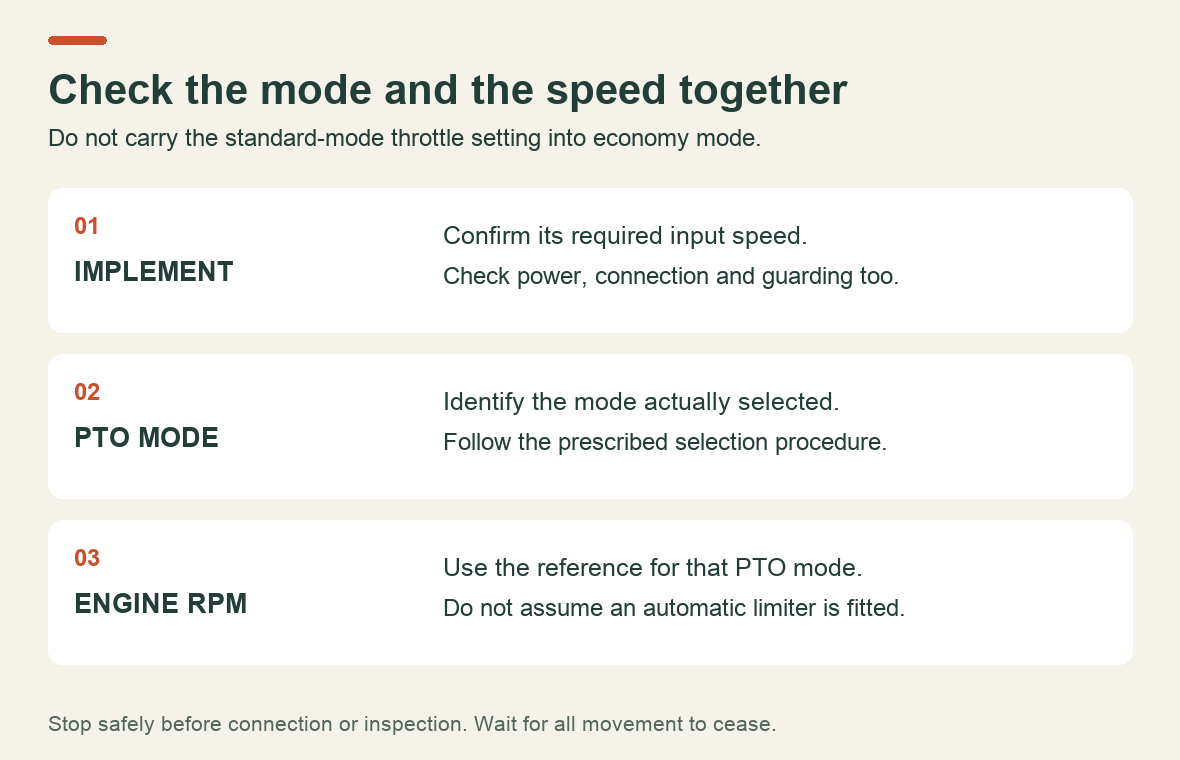
Changing modes is a separate operation from changing the throttle. Follow the tractor's procedure for disengaging and selecting a speed; do not move an unfamiliar selector under load. Before connecting, inspecting or clearing an implement, stop safely and wait for movement to cease.
Does every T5000 have the same PTO options?
No single brochure option list establishes what is installed on a particular tractor. The New Holland T5000 brochure hosted by FarmingUK describes available choices including 540, 540E, 1000 and ground-speed PTO, as well as optional Soft Start engagement. Check your tractor's equipment and applicable documentation rather than assuming it has every listed choice.
Soft Start addresses how drive engages. It does not identify the selected operating speed. Likewise, a ground-speed PTO setting is not another name for economy PTO. Treat each label as a separate function to identify before use.
A used tractor deserves an extra check: photograph the selector markings and record the model and serial number. If a label is missing or unreadable, establish the control's function before experimenting with a connected implement.
Check the implement side too
Confirm the implement's required shaft speed, power range, connection and guarding. A coupling that physically fits does not by itself establish that the whole setup is correct.
The HSE's PTO shaft and guarding guidance calls for disengaging the drive, applying the brake, putting controls in neutral, stopping the engine, removing the key and waiting for all movement to stop before clearing a blockage. Check guards for damage before use. Those precautions remain necessary in economy mode: the output shaft is still turning at working speed.
When you need service information rather than a setting change
If the PTO fails to engage, produces an unexpected warning or behaves abnormally after the correct operating setup has been confirmed, treat it as a fault. Repeatedly changing between 540 and 540E is not a diagnosis.
For T5030, T5040, T5050, T5060 and T5070 owners, the New Holland Service Manual 87679925A on Byte Market lists a dedicated power-take-off section, alongside hydraulic and electrical systems. Check its contents and version coverage for the exact PTO configuration before buying. Use the operator's manual for selecting and operating the mode; use the matching service documentation when testing or repair is needed.
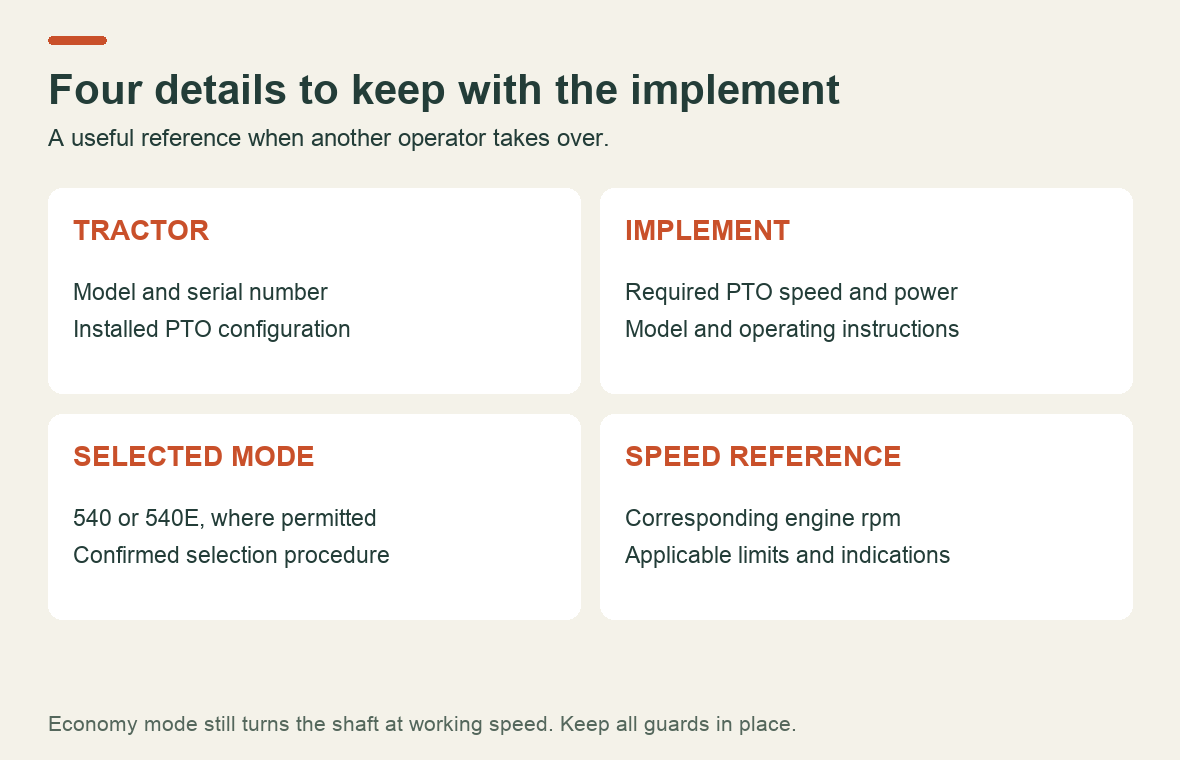
For the next job, keep four items together: implement speed requirement, selected PTO mode, corresponding engine-speed reference and the applicable operating instructions. That small check is more useful than choosing the E setting simply because it sounds economical.
Recent Post
-
Why a Kubota Manual May N...
16 Sep, 2026
-
Kubota Tractor Won’t Star...
16 Sep, 2026
-
Kubota DPF Light Flashing...
18 Sep, 2026
-
Kubota Tractor Overheatin...
21 Sep, 2026
-
Kubota Hydraulic Couplers...
22 Sep, 2026
-
Kubota UDT vs Super UDT2:...
23 Sep, 2026
-
Kubota 3-Point Hitch Won'...
24 Sep, 2026
-
Kubota Excavator Track Te...
25 Sep, 2026
-
New Holland 540 vs 540E P...
28 Sep, 2026