Kubota DPF Light Flashing? What to Check Before Starting a Regen
Kubota DPF Light Flashing? What to Check Before Starting a Regen
A light starts flashing on the dash. You press the regeneration button, but nothing changes. Is the engine too cold, is the wrong mode selected, or has the warning reached the point where the machine needs service?
A flashing DPF-related light is not enough information to choose a procedure. Identify the lamp, note any other warnings, and match the combination to the operator’s manual for your exact model. A regeneration request and a lamp showing that a parked cycle is ready to start can look like the same problem when described as “the regen light is flashing.”
This guide explains what to look for before trying again. The worked example uses the Kubota M5-091/M5-111 operator’s manual; its lamp behavior must not be treated as a universal chart for every Kubota tractor or loader.
First, identify which light is flashing
Take a clear photograph of the full instrument panel while safely stationary. Include the buttons as well as the display. Record whether each lamp flashes or stays on, whether a buzzer sounds, and whether there is an error code or reduced engine power.
Then look up the symbol by name. “The orange light beside the steering wheel” is hard to compare with a manual; “parked regeneration switch lamp” is something you can find.
A model-specific example: the M5-091/M5-111 manual distinguishes these states:
| Indication in the cited M5 manual | Meaning in that context |
|---|---|
| Regeneration indicator flashes in auto mode | Accumulated particulate matter has reached a regeneration request level |
| Regeneration indicator changes to steady illumination during auto regeneration | The cycle is running |
| Parked regeneration switch lamp flashes after the required conditions are met | The parked cycle is ready to be initiated |
The full warning combination matters: the same manual assigns escalating actions to its PM warning levels. At level 4, it instructs the operator to park safely, stop the engine and contact a Kubota dealer. Kubota M5-091/M5-111 operator’s manual, publication 3B291-9971-9, printed pages 14–19; manufacturer text hosted by Device.report.
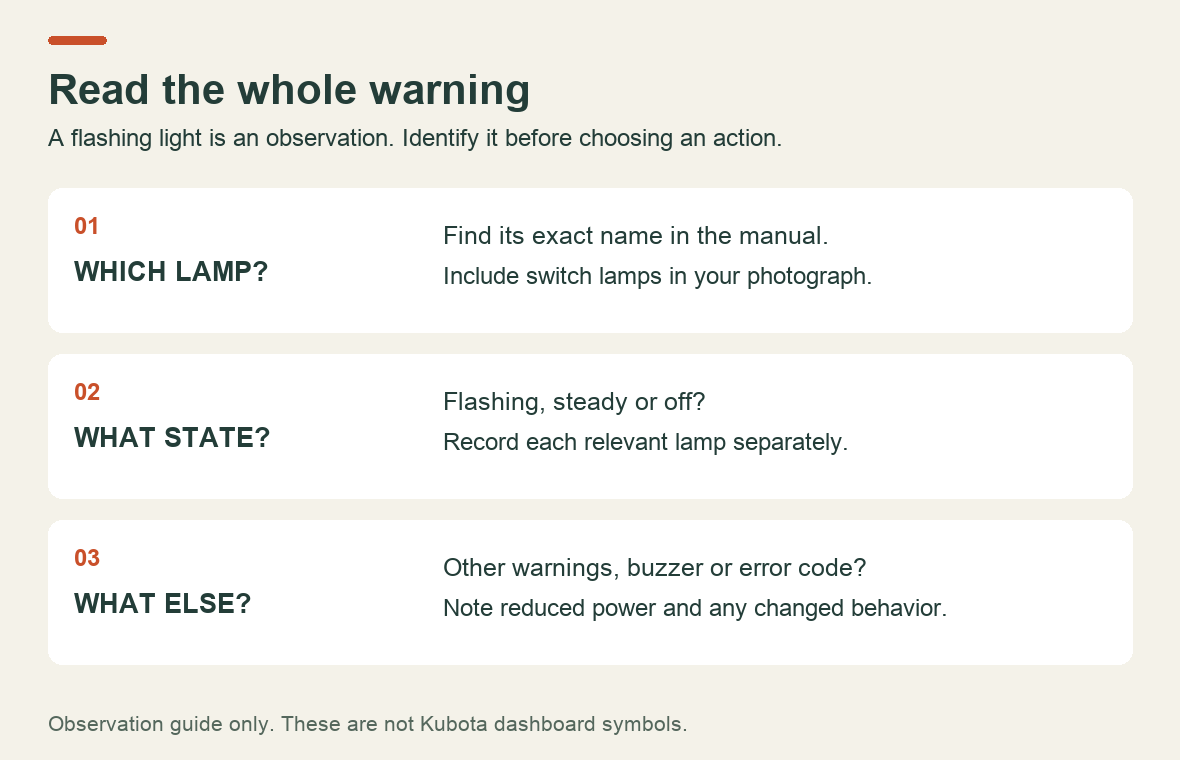
This is an observation guide, not a reproduction of Kubota dashboard symbols. Use your manual to identify the actual icons.
What regeneration does—and what it does not do
A diesel particulate filter collects particulate matter from the exhaust. Kubota describes regeneration as burning off accumulated PM so it can leave the filter as gas. A request to regenerate therefore does not, by itself, establish that the filter needs replacement. Kubota Engine: regeneration.
There is another material to consider: ash. Kubota defines it as noncombustible residue, mainly associated with engine-oil additives. Unlike soot, it does not burn away during regeneration. It accumulates and eventually requires filter cleaning. Repeating a regeneration cycle is not a substitute for that service. Kubota Engine: ash.
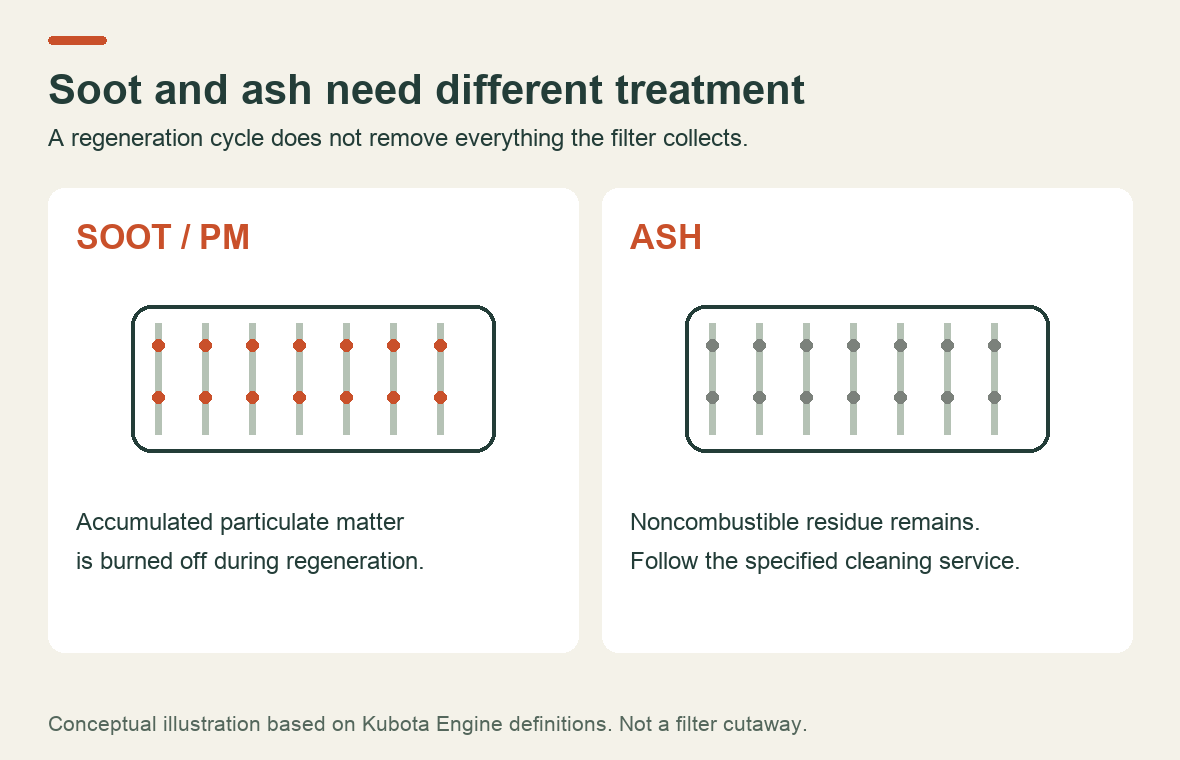
The useful distinction for an owner is between a request for an operating process and a need for maintenance or fault diagnosis. The dashboard and the model’s instructions tell you which path is available; the phrase “DPF problem” does not.
Why a parked regen may not start
Before pressing the button again, check the prerequisites in order. For the cited M5 procedure, these include the parking brake applied, shuttle in neutral, PTO off, engine at idle and regeneration inhibit off. It also requires a safe location, the implement lowered and the operator to remain with the tractor. Exhaust heat creates a fire and burn hazard. This is a summary of conditions, not the full operating sequence. Kubota M5 operator’s manual, parked regeneration procedure and safety precautions.
Use the manual as a checklist rather than changing several controls at once. If the expected ready indication never appears, record which requirement or indication does not match. Do not assume that holding the button longer will solve it, or bypass a control to make the cycle start.
Temperature can also matter. In the L4701 manual, Kubota identifies coolant temperature, DPF temperature and engine speed as regeneration conditions. It explains that loss of a required condition can interrupt the process. That is a reason to check the specified operating conditions, not to borrow an RPM setting from a different model. Kubota L4701 operator’s manual, printed page 48, hosted by ManualsLib.
Do not judge completion by the clock alone
“It has been running for twenty minutes” is useful information, but it is not proof that regeneration has finished. The L4701 manual gives a typical duration of 15–20 minutes while noting that actual time varies with ambient temperature, exhaust temperature and engine speed. It also warns against unnecessary starts and interruptions. That timing describes the cited model, not every Kubota. Kubota L4701 regeneration guidance.
Find the completion indication in your manual before starting. During the cycle, monitor the machine as instructed. A changed warning, an interruption or a new code is a different result from a completed cycle; write down which one occurred. Follow the manual’s emergency instructions if an unsafe condition develops.
What if the light keeps coming back?
Start a short record instead of guessing how often regeneration “should” happen. Note the hour-meter reading at each request, the work being done, whether the cycle completed and any accompanying warning.
The L4701 manual explains that prolonged low-speed or light-load operation can increase the need for regeneration. A change in working pattern is therefore relevant information for the technician. It does not establish the cause of every repeated warning. Kubota L4701 regeneration tips.
The US EPA’s DPF maintenance bulletin also distinguishes filter cleaning from regeneration and notes that excessive engine PM emissions or inadequate regeneration can increase cleaning needs. The bulletin concerns diesel retrofit systems generally, so use it for that distinction—not for Kubota service intervals or reset procedures. EPA: Diesel Particulate Filter Operation and Maintenance.
For example, “the warning returned after two completed cycles during the same job” is a useful observation to report. “The filter is definitely blocked” is a diagnosis that still needs evidence. If warnings escalate, power falls or a fault persists, follow the model’s warning table and contact the dealer rather than repeatedly attempting a cycle.
What to send the workshop
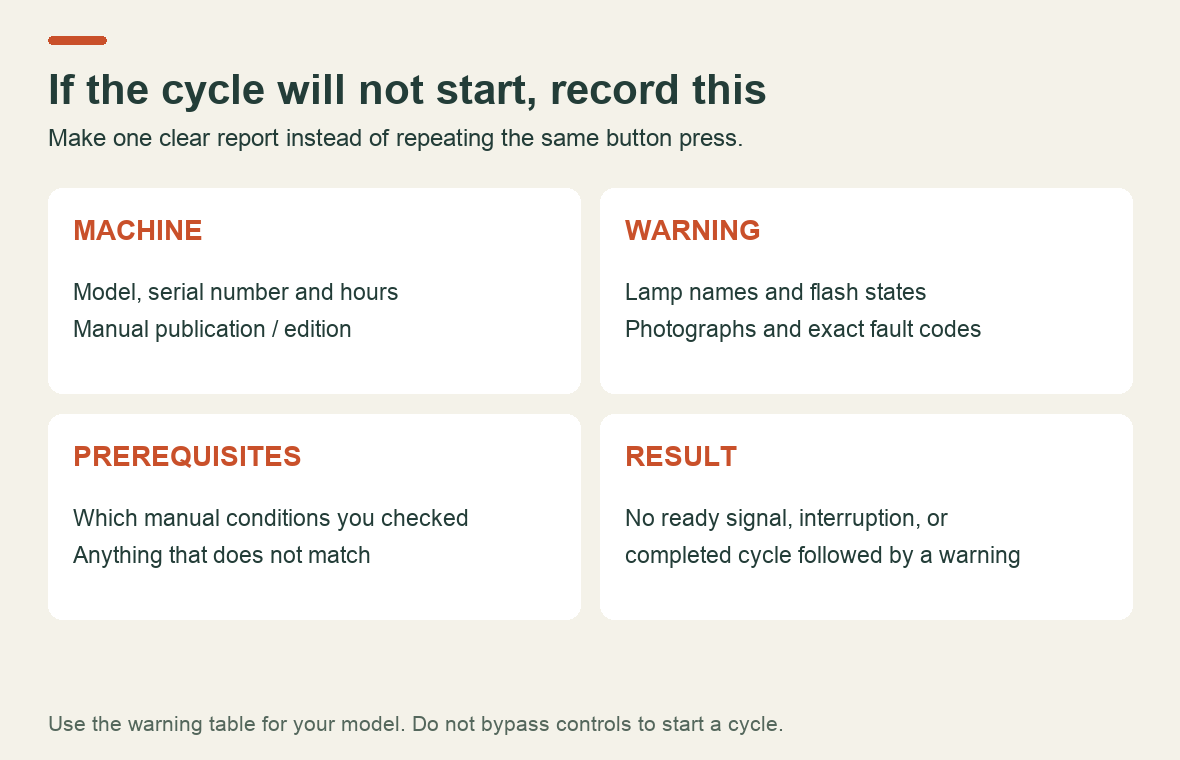
Collect the full model, serial number, hour reading, dashboard photographs and exact fault codes. Add the selected regeneration mode, which prerequisites you checked, and what happened after the request. Include recent servicing and whether previous cycles were interrupted.
An illustrative message might read:
M5-111, serial number and hours attached. I have photographed the dashboard and switch lamps. The parked cycle does not reach the ready indication described in my manual. Here are the control positions I checked and the warning code shown. I have not bypassed any controls or cleared the code.
That gives the workshop a specific starting point without deciding in advance that a switch, sensor or filter must be replaced.
Where the correct manual helps
Use the operator’s manual first for symbols, warning levels and the allowed regeneration procedure. When the next step requires component testing, use service documentation that matches the machine and publication edition.
For M5 owners, our Kubota M5-091/M5-111 Workshop Manual 9Y111-12857 lists DPF regeneration, PM warning levels and DPF-related electrical components in its published contents. Review the coverage before ordering. For other models, start with the Kubota manuals catalog.
Before trying another regeneration, be able to name the light, identify the warning state and find the permitted next action. Those three details are far more useful than another press of the button.
Recent Post
-
Why a Kubota Manual May N...
16 Sep, 2026
-
Kubota Tractor Won’t Star...
16 Sep, 2026
-
Kubota DPF Light Flashing...
18 Sep, 2026
-
Kubota Tractor Overheatin...
21 Sep, 2026
-
Kubota Hydraulic Couplers...
22 Sep, 2026
-

Kubota UDT vs Super UDT2:...
23 Sep, 2026
-
Kubota 3-Point Hitch Won'...
24 Sep, 2026
-
Kubota Excavator Track Te...
25 Sep, 2026
-
New Holland540 vs 540E PT...
28 Sep, 2026
-
Kubota BX Mower Cutting U...
29 Sep, 2026
-
Kubota Excavator Controls...
30 Sep, 2026
-
New Holland DEF Storage:...
01 Oct, 2026
-
Kubota Air Filter: When t...
02 Oct, 2026
-
Kubota SVL Standard vs Hi...
06 Oct, 2026
-

New Holland Water in Fuel...
07 Oct, 2026
-

Kubota Loader Float: What...
08 Oct, 2026
-

Kubota HST Tractor Won't...
09 Oct, 2026
-
Kubota 50-Hour Service Ch...
12 Oct, 2026
-
Kubota 4WD Won't Disengag...
13 Oct, 2026
-
Kubota KX040-4 Final Driv...
14 Oct, 2026
-
Kubota PTO Won't Engage?...
15 Oct, 2026
-
How to Check Hydraulic Oi...
16 Oct, 2026
-
Kubota Battery Light Stay...
19 Oct, 2026
-
Kubota Ran Out of Diesel?...
20 Oct, 2026
-

Kubota SVL75-3 Lift Capac...
21 Oct, 2026
-
What Coolant Does a Kubot...
22 Oct, 2026
-
Kubota Engine Oil Level R...
23 Oct, 2026
-
Kubota SVL75-2 DPF Light...
26 Oct, 2026
-

Kubota U55-4 Specs: Weigh...
30 Oct, 2026
-
Kubota M7060 Specs: Weigh...
02 Nov, 2026