Kubota 50-Hour Service: What to Check Before Buying the Kit
Kubota 50-Hour Service: What to Check Before Buying the Kit
The hour meter is approaching 50, and two service kits for your Kubota contain different filters. One seller includes transmission fluid; another does not. Which one is complete?
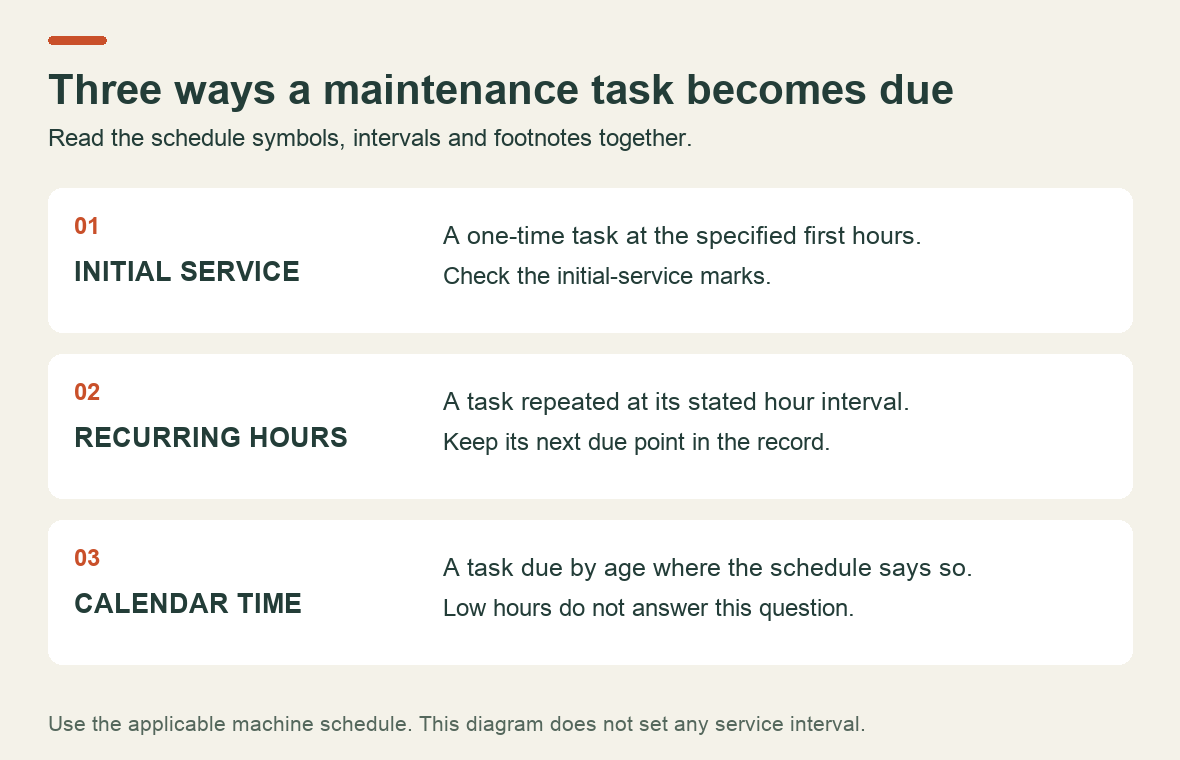
The answer comes from the maintenance schedule for your machine, not the kit's name. The first 50-hour service, work repeated every 50 hours and tasks due by calendar age are separate parts of that schedule. A box of consumables may cover only some of them.
Read the first-service marks as well as the interval column
Find the maintenance table, its symbol key and its footnotes before making a shopping list. A row can show a long recurring interval and still carry a separate mark for the first 50 hours. Reading only the right-hand column can miss the initial service.
Here is a narrow example from Kubota's M8540/M9540 operator's manual, code 3C782-9971-2, printed pages 70-72. These are selected rows from that edition, not a complete service list or a schedule for other Kubota tractors.
| Item | Initial service shown | Recurring interval shown |
|---|---|---|
| Engine oil | Change at the first 50 hours | 300 hours |
| Hydraulic oil filter | Replace at the first 50 hours | 300 hours |
| Transmission fluid | Change at the first 50 hours | 600 hours |
That edition also gives recurring 50-hour checks for the engine-start system and wheel-bolt torque. In other words, buying the listed oil and filters would not complete all the work due at 50 hours. Read the full table, including configuration notes, and confirm the applicable edition before using any interval.
Turn the schedule into a job list before turning it into an order
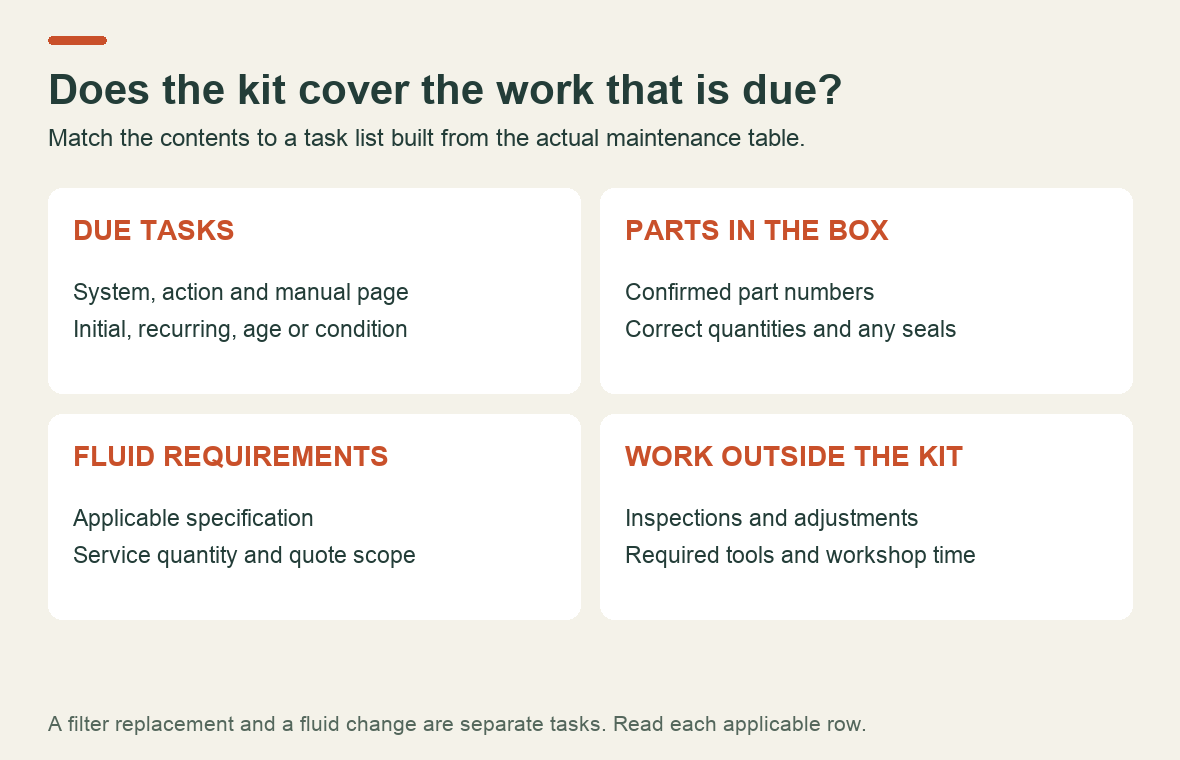
Create one line for each due task. Keep the action word: check, adjust, clean, replace or change. “Hydraulic service” is too vague to tell you whether a filter, fluid change or inspection is required.
Use this worksheet to make the missing information visible. Fill it from the applicable manual or have the dealer complete it when preparing a quote.
| Record for each task | Why it belongs on the worksheet |
|---|---|
| System, action and manual page | Makes the job traceable to an instruction |
| Why it is due | Distinguishes initial hours, recurring hours, age and condition |
| Part number and quantity, if needed | Lets you compare a kit against the actual work |
| Fluid specification and service quantity, if needed | Avoids ordering from a generic machine description |
| Procedure, tools and person doing the work | Identifies jobs that need workshop time |
| Completed date, hour reading and next due point | Creates a usable service history |
For example, a quoted filter replacement and a quoted fluid change should be separate lines. Ask what each price includes: the element, fluid, seals, labour and disposal may be itemised differently. This is a way to compare quotes, not a recommendation to omit work from the schedule.
A service kit cannot include every inspection
Kubota's maintenance check-points page includes leaks, fluid levels, tires, fasteners, controls and abnormal noise among daily checks. Kubota also labels its general maintenance table as generic and directs owners to their model's operator's manual. Keep those routine checks going while planning the scheduled service.
Lay out the proposed kit contents alongside your task list. Mark what the kit supplies and what it leaves to be ordered or inspected. A part left over after the job is a question to resolve; so is a due task without any record of completion. Neither is answered by the label “50-hour kit.”
Kubota provides parts-lookup and dealer-support routes through its Parts & Service page. Use the tractor's identification details when confirming parts. If a number has been superseded or a supplier offers a substitute, ask for the documented match before fitting it.
What if the tractor has only 35 hours but is already a year old?
Read the calendar-based entries as well as the hour-based ones. Do not invent a blanket annual oil-change rule from this example, but do not assume low hours cancel every time-based task either. List the delivery date, current hours and previous service dates so the applicable requirements can be checked together.
For a used tractor, start with the records you actually have. An invoice naming the fluid, filters, date and hours is more useful than an unqualified “fully serviced” in an advertisement. If the initial service cannot be documented, discuss the missing history with the dealer. Avoid assigning a made-up completion date just to make the next reminder look tidy.
Keep the result useful for the next service
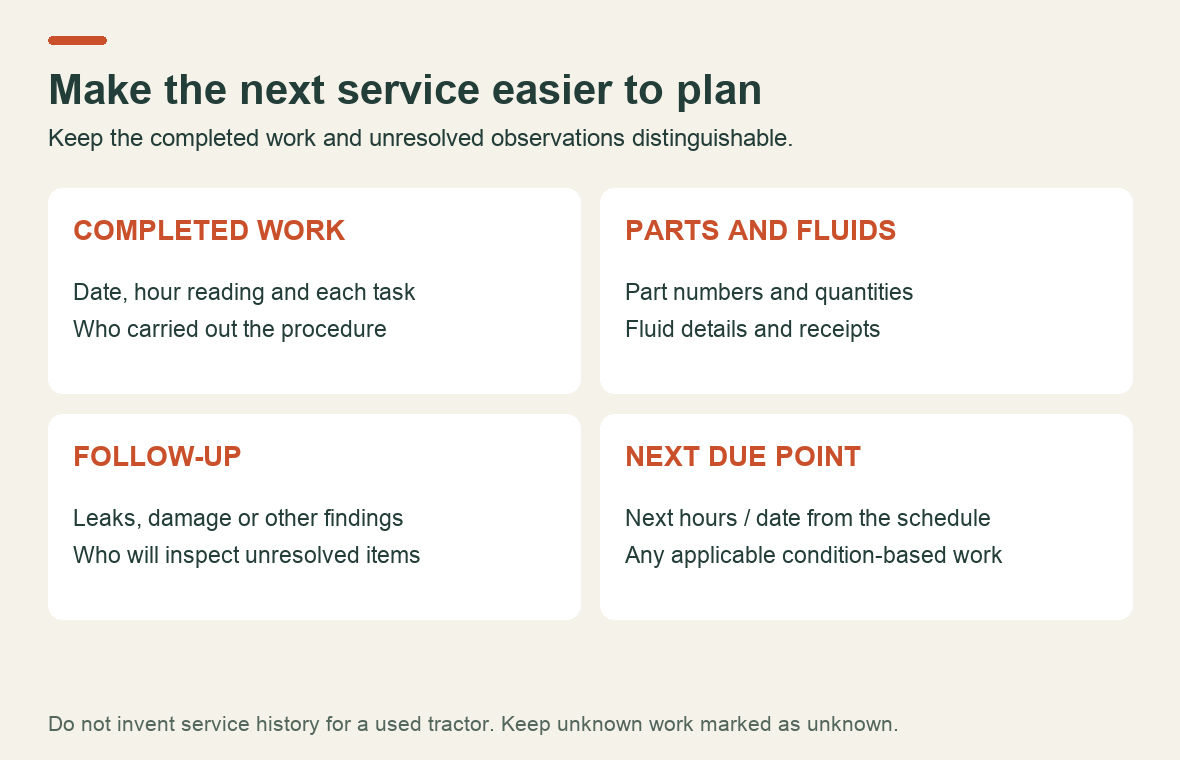
Save the completed worksheet with receipts and any observations that need follow-up. Record a leak or damaged component separately from a routine oil change; otherwise, the unresolved issue may disappear into a single “service completed” entry.
For the M8540/M9540 example, Byte Market's Workshop Manual listing identifies separate sections for initial 50-hour checks and recurring 50-hour checks. Review its contents if you need the corresponding service procedures, and confirm edition applicability with your machine's documentation. The operator's maintenance schedule remains the starting point for deciding what is due.
Recent Post
-
Why a Kubota Manual May N...
16 Sep, 2026
-
Kubota Tractor Won’t Star...
16 Sep, 2026
-

Kubota DPF Light Flashing...
18 Sep, 2026
-

Kubota Tractor Overheatin...
21 Sep, 2026
-
Kubota Hydraulic Couplers...
22 Sep, 2026
-

Kubota UDT vs Super UDT2:...
23 Sep, 2026
-

Kubota 3-Point Hitch Won'...
24 Sep, 2026
-
Kubota Excavator Track Te...
25 Sep, 2026
-
New Holland 540 vs 540E P...
28 Sep, 2026
-
Kubota BX Mower Cutting U...
29 Sep, 2026
-
Kubota Excavator Controls...
30 Sep, 2026
-
New Holland DEF Storage:...
01 Oct, 2026
-
Kubota Air Filter: When t...
02 Oct, 2026
-

Kubota SVL Standard vs Hi...
06 Oct, 2026
-

New Holland Water in Fuel...
07 Oct, 2026
-

Kubota Loader Float: What...
08 Oct, 2026
-
Kubota HST Tractor Won't...
09 Oct, 2026
-
Kubota 50-Hour Service: W...
12 Oct, 2026